Menu Studio
The restaurant team types the dishes and prices, chooses a size and a design, and downloads a print-ready menu. Capitals, prices, dashes and the dietary key follow the house style, and the menu tightens itself to fit the card. If it still does not fit, it says so before anything is printed.
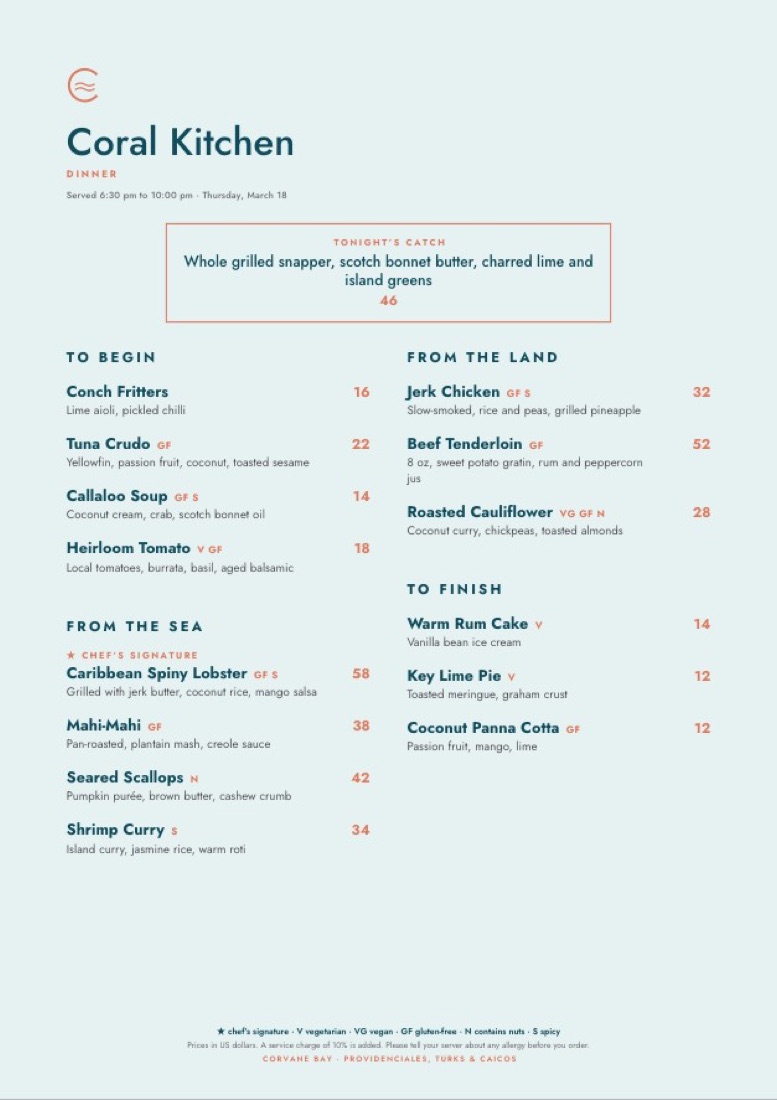
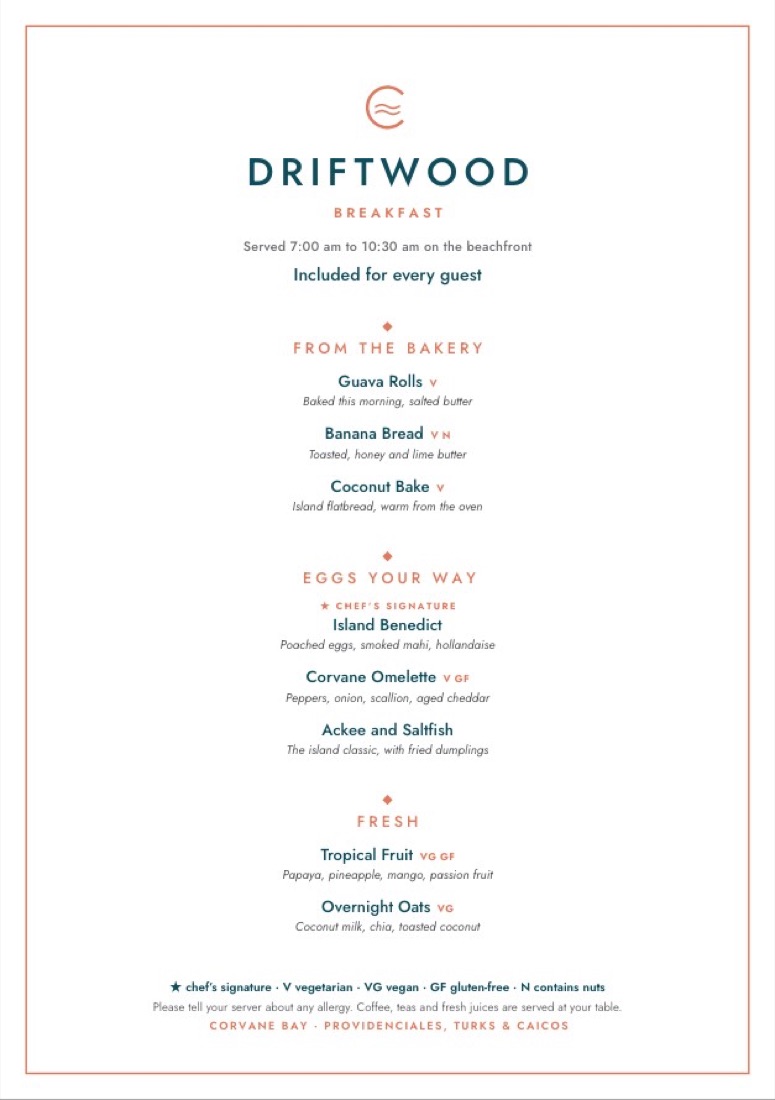
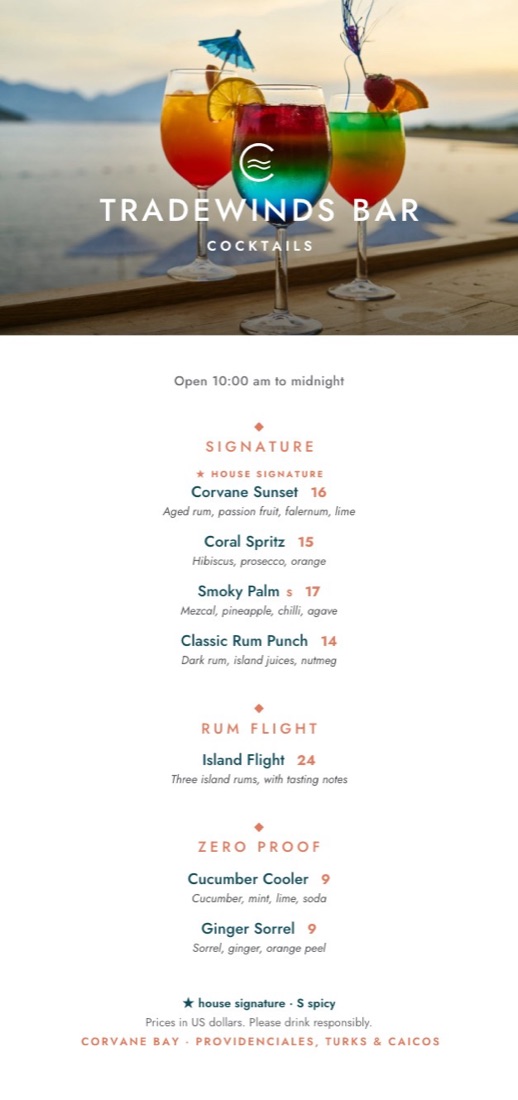
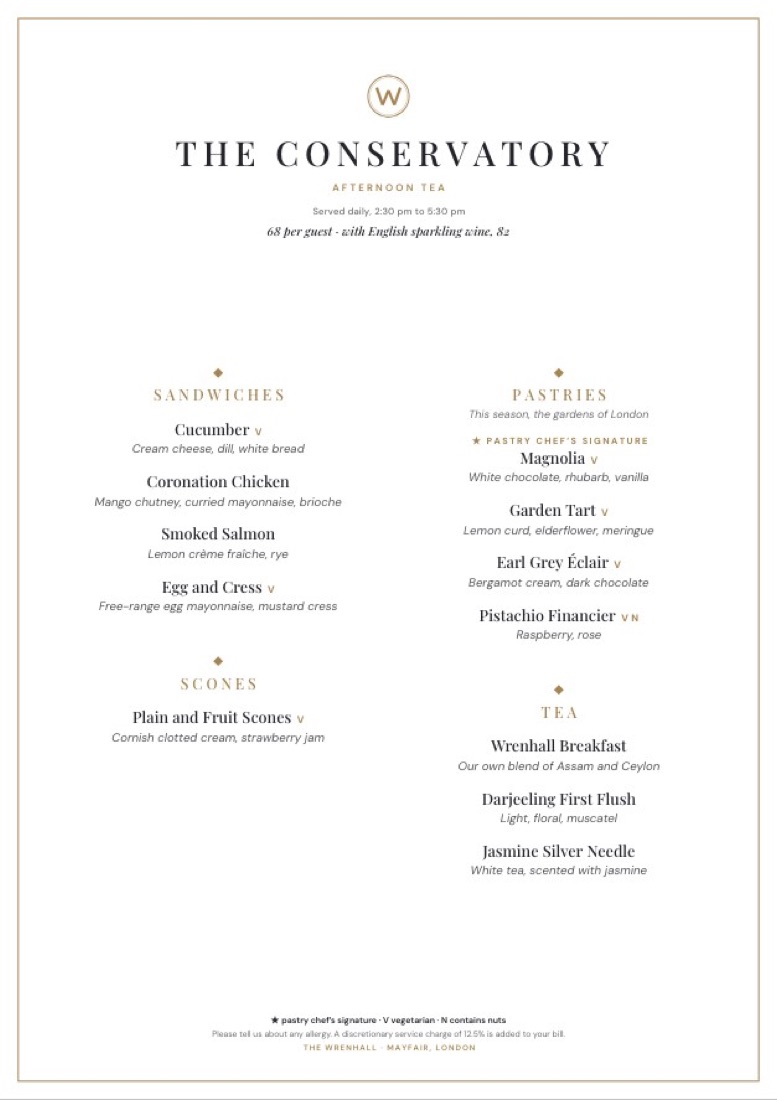
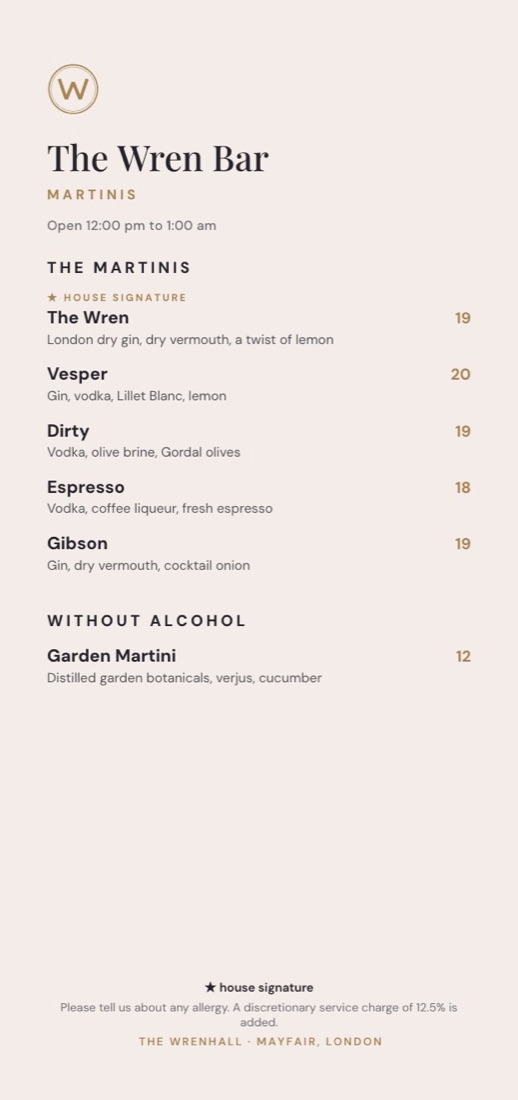
How a menu gets made
Type the dishes
Name, description, price and dietary marks. Type 28.00, $28 or 28 and it prints the same way. Only the marks you use appear in the key.
Choose size and design
Switch between A4, A5 and DL, and between classic, column and photo. The proof beside the form changes as you type.
Download
A print-ready PDF or JPG. Long menus tighten their type to fit; on A4 they move to two columns before they give up.
Both brands, their menus and their people are fictional, made for this demo. Pictures from Pexels. Each studio keeps your changes in this browser only; nothing you type is sent anywhere. Downloads work when the studio is opened from a computer or a web address of your own.